RC
Richin Christ

Build practical skills in Mechanical, Electrical and Plumbing design with industry-relevant tools. Learn MEP layouts, BIM-based coordination and design workflows to prepare for opportunities in construction, engineering and building services.

Why this course
Build practical skills in Mechanical, Electrical and Plumbing (MEP) design and prepare for opportunities in the growing AEC and BIM industry. Learn how to create MEP layouts, understand building services and work with industry-relevant design tools and workflows. The program focuses on practical learning, helping you develop skills that can be applied to real-world construction and engineering projects. Whether you are a student, engineering graduate or working professional looking to upgrade your skills, this course can help strengthen your understanding of MEP design, BIM coordination and building services. Develop job-ready capabilities for career opportunities as an MEP Design Engineer, Revit MEP Designer, BIM Engineer, MEP Modeler or Building Services Designer.

₹ 15+ LPA
Senior MEP
10+
Career Roles
4,000+
Revit MEP Jobs in India
Roles our graduates step into
A typical career path
3 Sytems
Mechanical, Electrical, Plumbing
360°
MEP Coordination
5-MEP roles &
Career Directions
What you'll learn
Learn the fundamentals of Mechanical, Electrical, and Plumbing (MEP) systems, understand building service requirements, and explore how different systems work together in construction projects.
Topics covered
Practical outcome
Identify MEP components in architectural drawings and understand the basic workflow involved in building services design.
Develop skills in technical drafting using AutoCAD, covering drawing tools, layers, dimensions, annotations, and the preparation of MEP layouts.
Topics covered
Practical outcome
Create and edit accurate MEP drawings with organised layouts, clear annotations, and essential drawing details.
Understand HVAC fundamentals, ventilation requirements, cooling-load concepts, equipment placement, duct routing, and air distribution planning.
Topics covered
Practical outcome
Prepare basic HVAC layouts showing ductwork, equipment locations, and air distribution routes for building projects.
Explore building electrical systems, including lighting layouts, power distribution, load estimation, cable routing, and electrical drawing preparation.
Topics covered
Practical outcome
Develop basic electrical layouts showing lighting points, power outlets, and distribution arrangements for building services.
Understand water supply systems, sanitary drainage, pipe routing, plumbing fixtures, and wastewater disposal for residential and commercial buildings.
Topics covered
Practical outcome
Prepare basic plumbing and drainage layouts showing pipe routes, fixture locations, and water supply connections.
Learn the fundamentals of building fire protection systems, including sprinkler networks, fire hydrants, fire-fighting equipment, and piping arrangements.
Topics covered
Practical outcome
Develop basic fire protection layouts showing sprinkler locations, fire-fighting equipment, and pipe routing.
Explore BIM-based MEP modelling using Revit, including 3D system modelling, service layouts, equipment placement, schedules, and coordination between building services.
Topics covered
Practical outcome
Create basic 3D MEP models, generate service drawings, and identify potential clashes between different building systems.
Apply the concepts learned throughout the course to a sample building project, combining HVAC, electrical, plumbing, and fire protection systems with coordinated drawings and documentation.
Topics covered
Practical outcome
Develop a coordinated MEP project with service layouts, drawing sheets, and supporting documentation for presentation and review.
Course at a glance
Institute credentials
ISO 9001:2015 certified quality education
Lifetime alumni support — doubts cleared even after course completion
Placement assistance
Get career-ready with practical MEP skills and dedicated placement assistance. Receive support with resume building, interview preparation and job opportunities to help you confidently pursue careers in MEP design, BIM and building services.
₹4 LPA
Typical Starting CTC
500+
Hiring Partners
40+
Global Career Reach


Student success stories
Learning experience
Instructor-led sessions
Classroom and live online with industry practitioners
Hands-on lab access
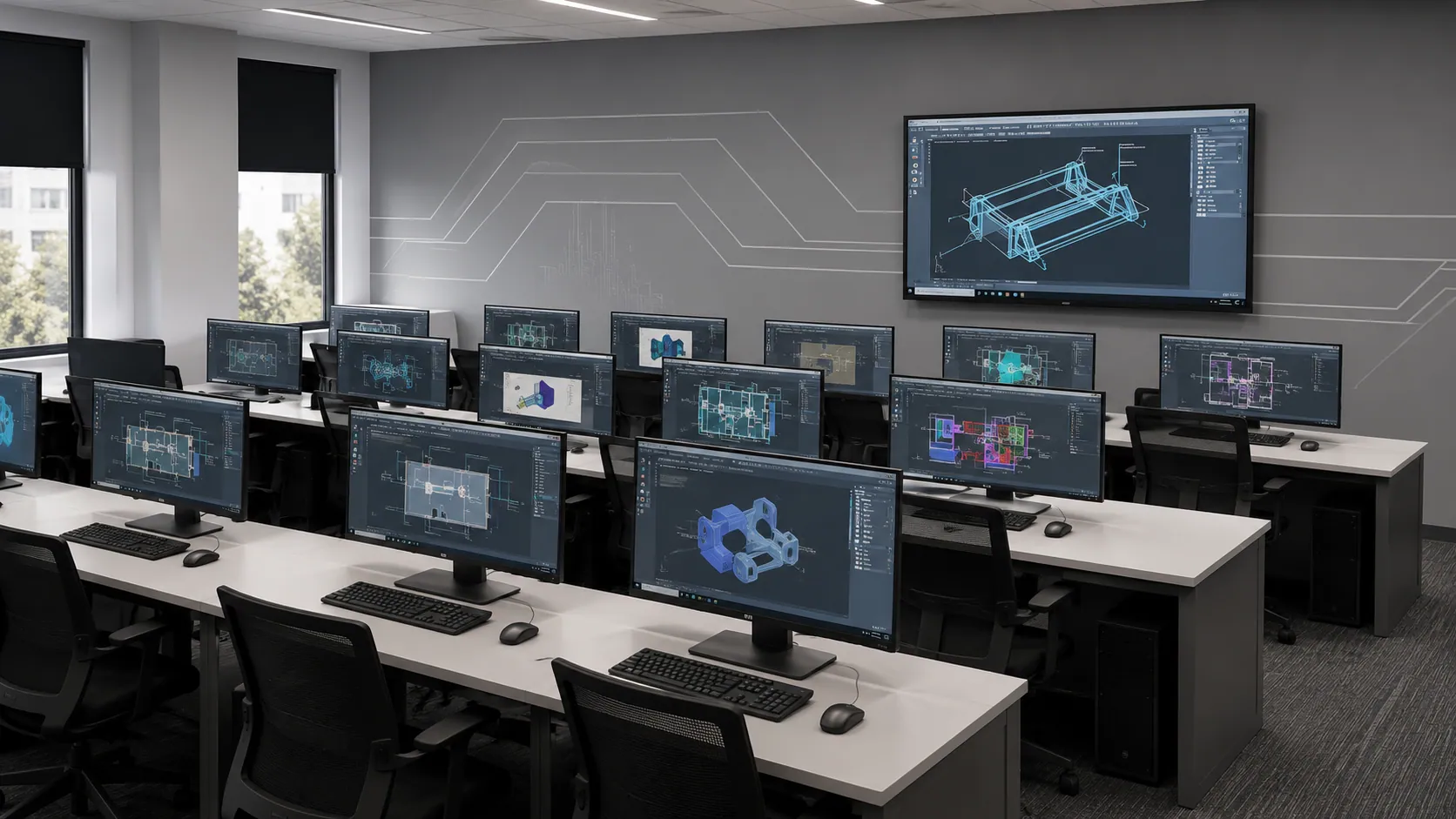
Licensed industry software, full lab hours included
Real-world projects
Assignments modelled on actual industry briefs
Portfolio development
Build a job-ready portfolio with placement team support
Certification & interview prep
Learn skills, build projects, and get hired!


Frequently asked questions
Still have questions?
We're here to help you.
AutoCAD is commonly used to create 2D technical drawings, while Revit MEP supports intelligent 3D building services modelling, documentation, and coordination. Both tools can be useful in MEP-related careers.
You’ll learn the fundamentals of HVAC, electrical, plumbing, and related building services, along with how these systems are designed and coordinated. You’ll also work with relevant CAD and BIM tools used for creating and managing MEP designs.
No. You can start as a beginner. The course introduces MEP concepts and gradually takes you through the design process, helping you build your understanding and practical skills step by step.
The Master Certificate in MEP Design is a career-focused program that helps you build practical skills in Mechanical, Electrical, and Plumbing (MEP) design. You’ll learn how these systems are planned, designed, and coordinated in building projects using industry-relevant design tools.
Talk to a counsellor, download the full curriculum, or book a free demo class — we'll help you take the right first step.
Free. No obligation. Available Mon–Sat, 10 AM–8 PM.
Master Certificate in MEP Design