CADD Centre
Online Training
Corporate Training
Branches
Placements
Blog
About
Contact
Enroll Now
Loading page
CADD Centre

Empowering students with industry-ready skills in engineering, design and emerging technologies. Through practical training and recognised certifications, we help learners build skills for real-world careers.

Courses

  • Executive Diploma in Product Design
  • Executive Diploma in Architectural Design
  • Executive Diploma in BIM with AI
  • Executive Diploma in Structural Design with AI
  • Executive Diploma in Automotive Design & Engineering with AI
  • Executive Diploma in Automotive Design with AI
  • Master Certificate in MEP Design
  • Master Certificate in Product Design
  • Master Certificate in Architecture Design
  • Master Certificate in Structural Design with AI

Training

  • Online training
  • Corporate training
  • Certifications

Placements

  • Placement support
  • Hiring partners
  • Success stories
  • Career opportunities

Company

  • About CADD
  • Why choose CADD
  • Blog & resources
  • Careers
  • Contact us

Chennai

  • Annanagar
  • Padi
  • Velachery

Coimbatore

  • Hope's- BR Puram
  • Gandhipuram

© 2026 CADD Centre. All rights reserved.

Privacy · Terms · Cookies

Site by aBrandr.com

Architecture, Engineering & Construction

5D BIM- Naviswork Software

Learn to use Navisworks for BIM coordination, clash detection, construction planning, and cost-based project insights. Build practical skills to coordinate teams, reduce rework, and support smoother project delivery.

Enquire nowDownload Brochure
5D BIM- Naviswork Software
Duration40 Hours
ModeLive
CertificationCADD Centre Certified
Projects1 Project
Placement supportIncluded
✓Placement support via First Job Pakka
✓Batches start every month
✓Available at all 5 branches
✓EMI options available

Why this course

Unlock New Career Opportunities with 5D BIM

Step into the world of smarter construction with our 5D BIM – Navisworks course. Learn how to bring BIM models together, coordinate different disciplines, identify clashes, and understand how construction activities and costs connect with the project model. Through practical, industry-focused learning, you’ll develop the confidence to review models, solve coordination issues, support planning, and improve project workflows. Whether you’re starting your BIM career or looking to upgrade your existing skills, this course helps you build job-ready capabilities that can be applied across construction, infrastructure, and engineering projects.

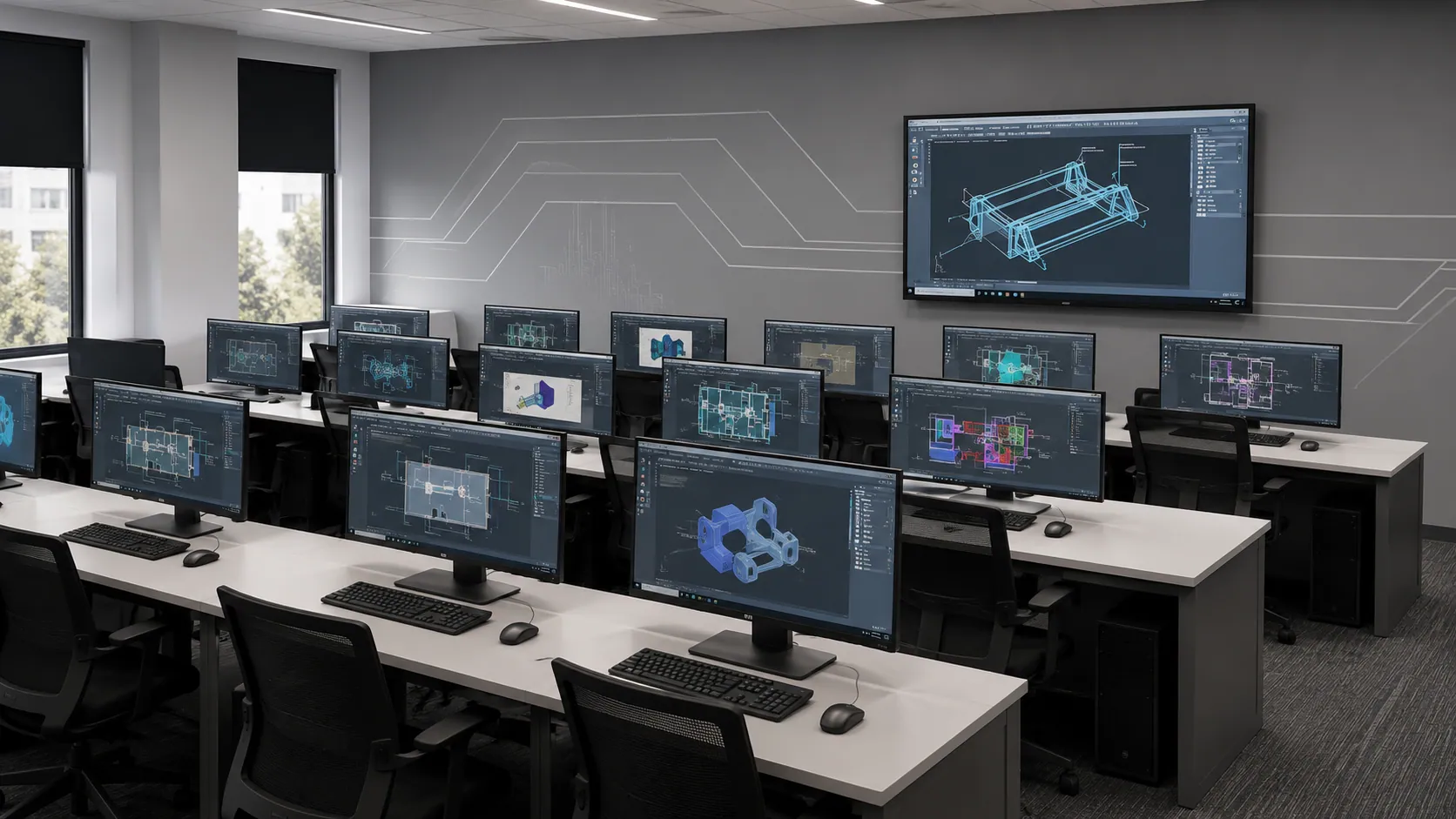
Engineer examining precision components in a manufacturing facility

Take Your BIM Skills from Learning to Career Growth

Turn your Navisworks knowledge into practical BIM skills and open doors to exciting opportunities in construction and infrastructure. Learn to coordinate models, spot clashes, support project planning, and build a career in digital construction.

4 LPA

CTC Range 0–1 Year

14,500+

Active Job Listings

1,000+

Opportunities Across India

Roles our graduates step into

BIM EngineerBIM ModelerNavisworks CoordinatorBIM Project CoordinatorQuantity & Cost Estimation EngineerBIM Manager

A typical career path

0-3Years

Entry-Level BIM Modeler

2-4 Years

BIM Coordinator

4+Years

Senior BIM Coordinator

What you'll learn

7 modules, structured around a real product.

  1. 01

    Introduction to 5D BIM

    Understand the fundamentals of Building Information Modelling (BIM) and its evolution from 3D modelling to 4D construction scheduling and 5D cost integration. Learn how Autodesk Navisworks supports construction planning,

    Topics covered

    BIM fundamentals and dimensions of BIMIntroduction to 4D and 5D BIM conceptsOverview of Autodesk NavisworksApplications of 5D BIM in construction projects

    Practical outcome

    Understand 5D BIM fundamentals and how Navisworks integrates 3D models, construction schedules, and cost data for project planning.

  2. 02

    Model Review and Navigation

    Learn to import, navigate, and review 3D models in Autodesk Navisworks using model viewing, selection, visibility, and inspection tools.

    Topics covered

    Importing and reviewing 3D modelsModel navigation and viewing toolsSelectinghidingand isolating model elementsModel inspection and visualization

    Practical outcome

    Navigate 3D models, isolate components, inspect building elements, and perform model reviews efficiently in Navisworks.

  3. 03

    Clash Detection and Coordination

    Learn to combine architectural, structural, and MEP models in Navisworks to identify clashes, review interferences, and generate coordination reports.

    Topics covered

    Combining architecturalstructuraland MEP modelsIdentifying clashes and model interferencesReviewing and grouping clash resultsGenerating clash reports for coordination

    Practical outcome

    Detect building system clashes, review conflicts, and generate reports for effective BIM coordination and fewer site errors.

  4. 04

    4D Construction Simulation

    Learn to use Navisworks Timeliner to link 3D model elements with project schedules, simulate construction sequences, and visualize project progress over time.

    Topics covered

    Introduction to construction sequencingWorking with TimelinerLinking model elements to construction activitiesSimulating construction schedulesAnimating objects and reviewing project sequences

    Practical outcome

    Create 4D construction simulations by linking model elements to schedules and visualizing construction sequences and project timelines.

  5. 05

    5D BIM and Cost Estimation

    Learn to extract model quantities and integrate cost data with BIM workflows to support construction cost estimation, budgeting, and project cost planning.

    Topics covered

    Introduction to model-based quantity takeoffExtracting and reviewing material quantitiesUnderstanding quantity-based cost estimationIntegrating quantity and cost informationSupporting budget planning and cost control

    Practical outcome

    Extract model quantities, link cost data, and support construction budgeting and cost estimation using 5D BIM workflows.

  6. 06

    Visualization and Project Review

    Learn to create viewpoints, animations, and visual presentations in Navisworks to review 3D models, communicate design issues, and improve project understanding.

    Topics covered

    Model visualization and presentationCreating viewpoints and animationsRendering and visual communicationReviewing potential construction conflicts and risks

    Practical outcome

    Create model viewpoints, animations, and visual presentations to review designs and communicate project issues effectively.

  7. 07

    Practical Project Application

    Apply Navisworks skills to a real-world building project by integrating 3D models, performing clash detection, simulating construction schedules, and reviewing quantities and cost data.

    Topics covered

    Reviewing an integrated building modelPerforming clash detectionPreparing a construction simulationReviewing quantities and cost-related informationPresenting project review outputs

    Practical outcome

    Complete a BIM project workflow involving model coordination, clash detection, 4D simulation, and 5D cost analysis.

Course at a glance

Duration40 Hours
Modules7 modules
ModeLive
CertificationCADD Centre Certified
Live projects1 Project
PlacementFirst Job Pakka

Institute credentials

ISO 9001:2015 certified quality education

Lifetime alumni support — doubts cleared even after course completion

Placement assistance

From BIM Coordination to Career Growth with Navisworks

Employers value professionals who can federate BIM models, perform clash detection, review and resolve coordination issues, create clash reports, and support 4D/5D workflows. Strong Revit knowledge, BIM standards, communication, and problem-solving skills are also important.

₹4 LPA

BIM Modeller

900 +

Navisworks Jobs in India-current market snapshot

22.1%

India’s BIM Market Growing Annually

Graduate shaking hands with a recruiter at a placement interview
  • Sutherland
  • Apollo Hospitals
  • Arcadis
  • Bajaj
  • Capgemini
  • Cummins
  • Infosys
  • Wells Fargo
  • Oracle
  • Boeing
  • Indigo
  • IBM
  • Hitachi
  • Hexaware
  • Fujitsu
  • Renew Power
  • Renewable Energy Group
  • National Contracting Company
  • International Maritime Industries
  • Niper
  • Ramsis Engineering
  • MTN
  • Cardno
  • Aditya Birla
  • Naffco
  • International Seaport Dredging
  • Tasnee
  • Godrej
  • Mahindra
  • BHEL
  • Wipro
  • HCLTech
  • Tata Projects
  • Larsen & Toubro

Student success stories

From training to career...
Hear it from our graduates.

RC

Richin Christ

L

Logapriya

P

Praveen

H&

Hema & Sona

B

Balaji

MR

Madhan Raj

A

Amalan

K

Kishore

M

Mohamed

S

Saharika

HK

Hari Krishnan

Learning experience

How you'll learn at CADD Centre.

1

Instructor-led sessions

Classroom and live online with industry practitioners

2

Hands-on lab access

Licensed industry software, full lab hours included

3

Real-world projects

Assignments modelled on actual industry briefs

4

Portfolio development

Build a job-ready portfolio with placement team support

5

Certification & interview prep

Learn skills, build projects, and get hired!

  • Autodesk BIM 360
  • STAAD.Pro
  • Creo
  • SOLIDWORKS
  • CATIA
  • Autodesk Revit
  • AutoCAD
  • Autodesk BIM 360
  • STAAD.Pro
  • Creo
  • SOLIDWORKS
  • CATIA
  • Autodesk Revit
  • AutoCAD

Ready to build your career in product design?

Talk to a counsellor, download the full curriculum, or book a free demo class — we'll help you take the right first step.

Enquire NowDownload Brochure

Free. No obligation. Available Mon–Sat, 10 AM–8 PM.

5D BIM- Naviswork Software

Architecture, Engineering & Construction · 40 Hours

Download BrochureBook demoEnquire now